Core features
How to Build an Event Website
Last updated October 2026.
Event sites go stale because the site and the event data live in different places. ConfBuilder's website builder sits on top of the same profiles, schedule and walls you are already managing, so the site is a surface, not a second project.
1. Stack your sections
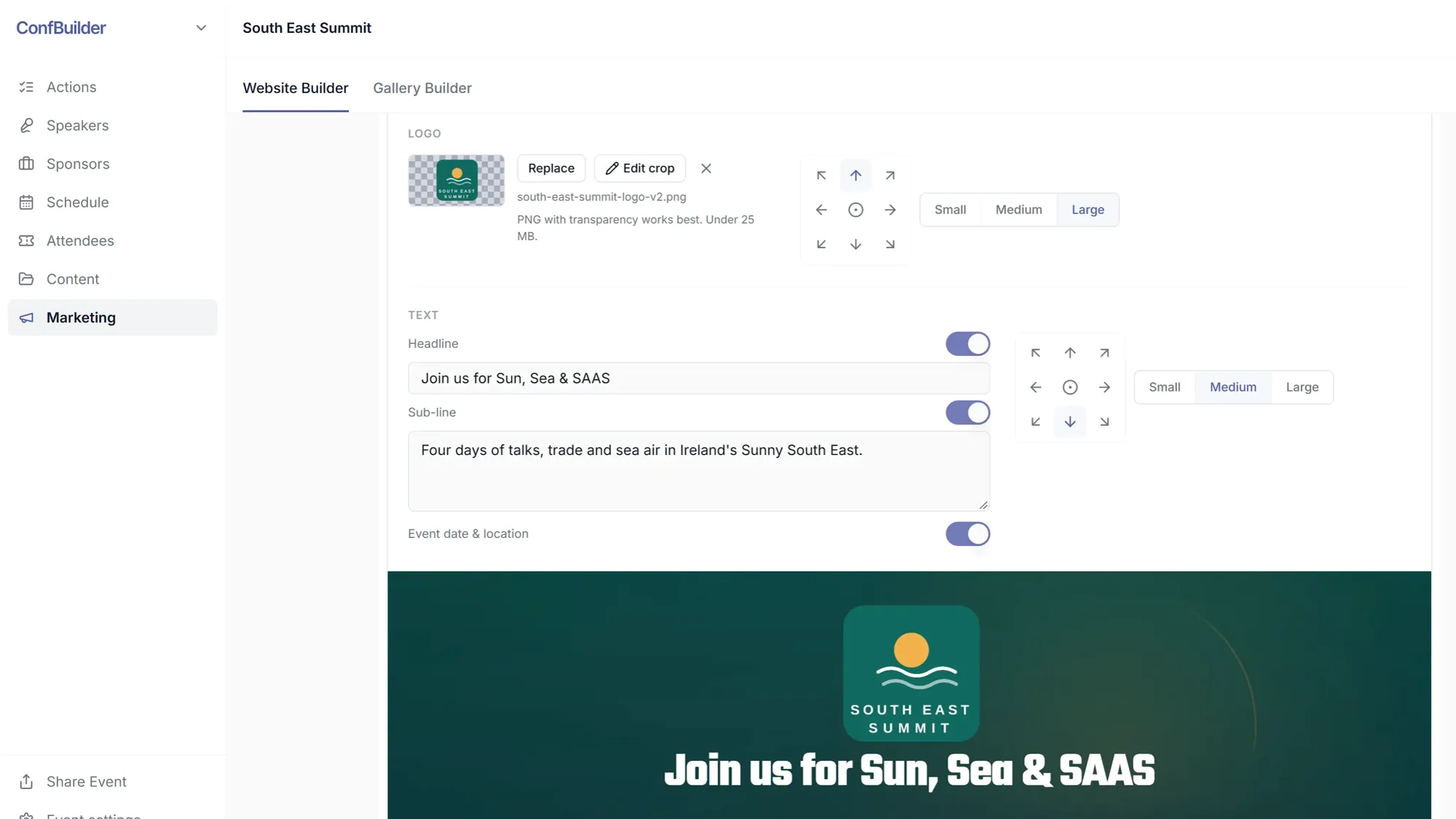
Open the website builder and add the sections your event needs: hero, speakers, schedule, sponsors, tickets and more. Each section is a card in a stack, so try an order, move it, delete it. The hero takes your event image and title; the rest pull live data from the event.
2. Set the theme
Set the colours and fonts once, applied across the site: your accent on buttons, your type on headings. The walls and the schedule embed inherit the same brand decisions, so the site and its data look like one product.
3. Claim your web address
Give the site its address, for example summit2027. ConfBuilder publishes it as summit2027.confbuilder.com. Check availability first: taken addresses fail cleanly and you pick another.
4. Publish
Publishing snapshots the draft live. Visitors see a real event site the moment they arrive: hero, speaker wall, sponsor wall, agenda, tickets.

5. Let it stay current
A speaker joins two weeks before the event. Approve their profile and card, republish the wall, and the website shows them. The site never drifts behind the event because it reads from the event.
Run this on your next event
Up and running in under 2 minutes. Free 14-day trial, no credit card required.