For agencies
How to Manage Multiple Events as an Agency
Last updated October 2026.
Agencies juggle events the way organisers never do: simultaneous clients, nervous stakeholders, and data that must not leak between them. ConfBuilder's multi-event setup gives every client a boundary and you the overhead view.
1. See every event on one dashboard
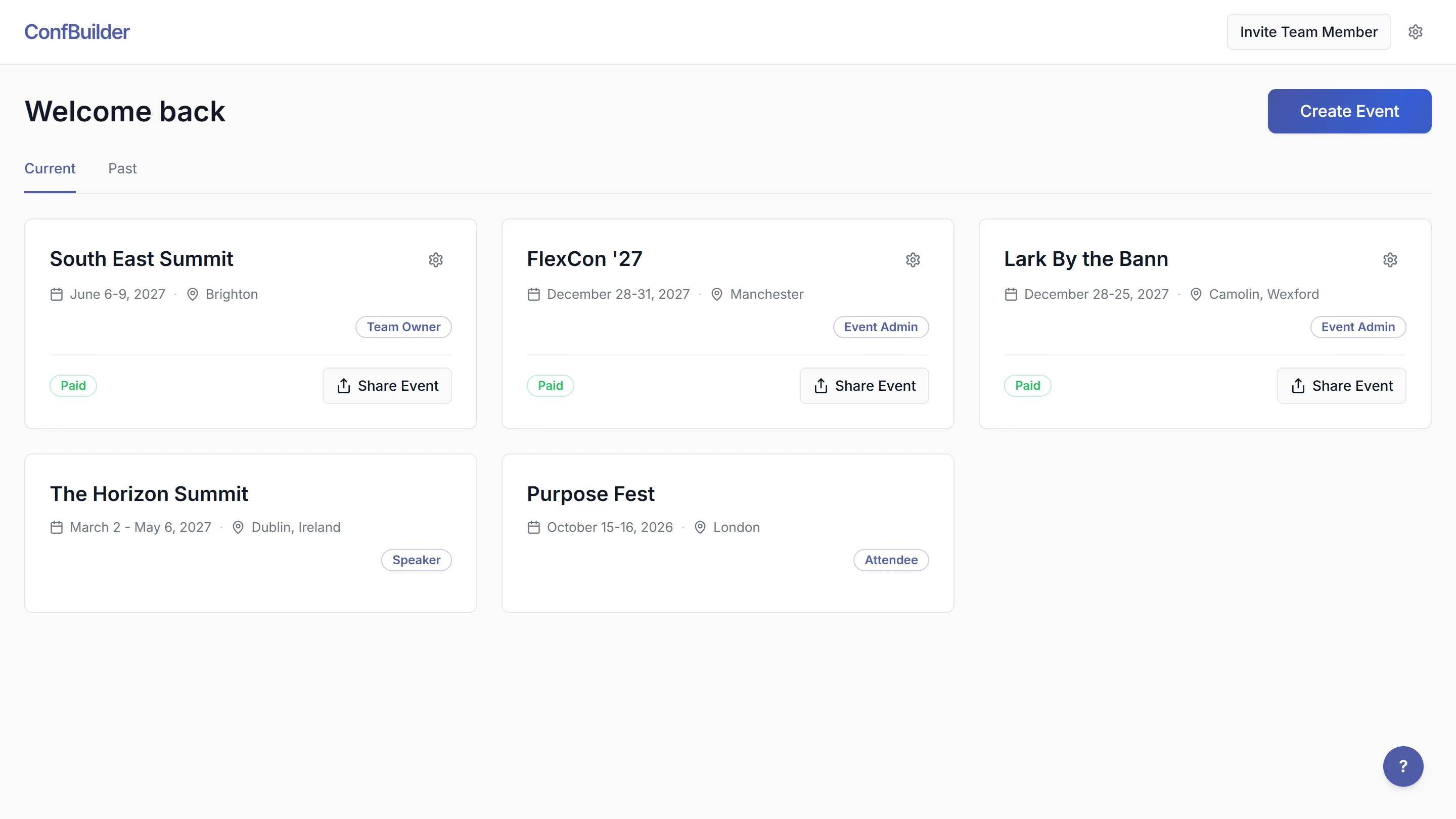
The dashboard lists each event you have access to: dates, team roles and payment state. Jump from one client's event to another without re-sorting bookmarks, and keep your own house events alongside client work.
2. Put the client in with the right role
Invite the client or their team to their event with the role that fits: viewer for read-only stakeholders, editor for the client's content owner, admin for the person who truly owns it. Each invitation is to that event, so a client in one event sees one event.
3. Work one actions queue
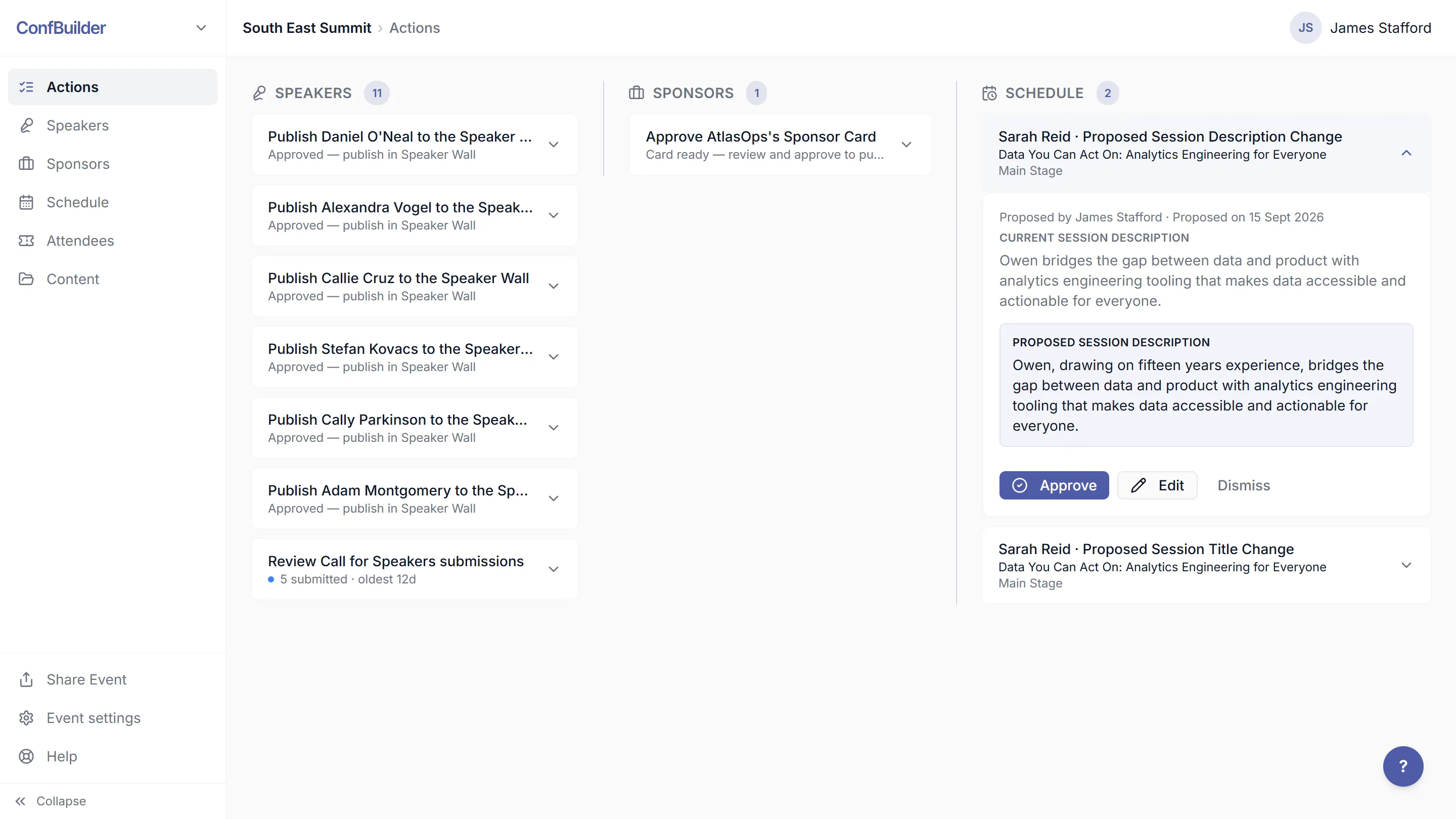
Every publish, approval and pending item lands in the Actions queue, across events. Monday morning starts with one list instead of five tab-hunts for what changed over the weekend.
4. Keep the content versioned
Decks, speaker changes and sponsor docs keep their version history, so when a client asks what changed since June, the answer is in the library, not in your memory. Nothing is overwritten in silence, which is also what saves you in the handover.
5. Bill per event, without surprises
Each event carries its own billing, $950 per event at the founding price with everything included, and registered non-profit events run free. Per-event pricing means a new client never changes the math on the others.
Run this on your next event
Up and running in under 2 minutes. Free 14-day trial, no credit card required.